
Saturday, 21 November 2026 Press Releases Newsletter RSS
Breaking
WhatsApp Business Account Hacked in Pakistan: Full Recovery Guide Special Technology Zones Authority (STZA) & IT Park Expansion in Pakistan: Islamabad, Karachi, and Lahore Ground Report Pakistan Software Export Board & Industry Consortium Launch 'TechBridge Pakistan 2026' to Connect 500 Startups With Global Markets Global Tech Safety Summit 2026: International Standards for Frontier AI and Data Security Announced WhatsApp Business Account Hacked in Pakistan: Full Recovery Guide Special Technology Zones Authority (STZA) & IT Park Expansion in Pakistan: Islamabad, Karachi, and Lahore Ground Report Pakistan Software Export Board & Industry Consortium Launch 'TechBridge Pakistan 2026' to Connect 500 Startups With Global Markets Global Tech Safety Summit 2026: International Standards for Frontier AI and Data Security Announced
WritePures
Beginner 9 chapters about 19 minutes By Najm u Din 21 Nov 2026
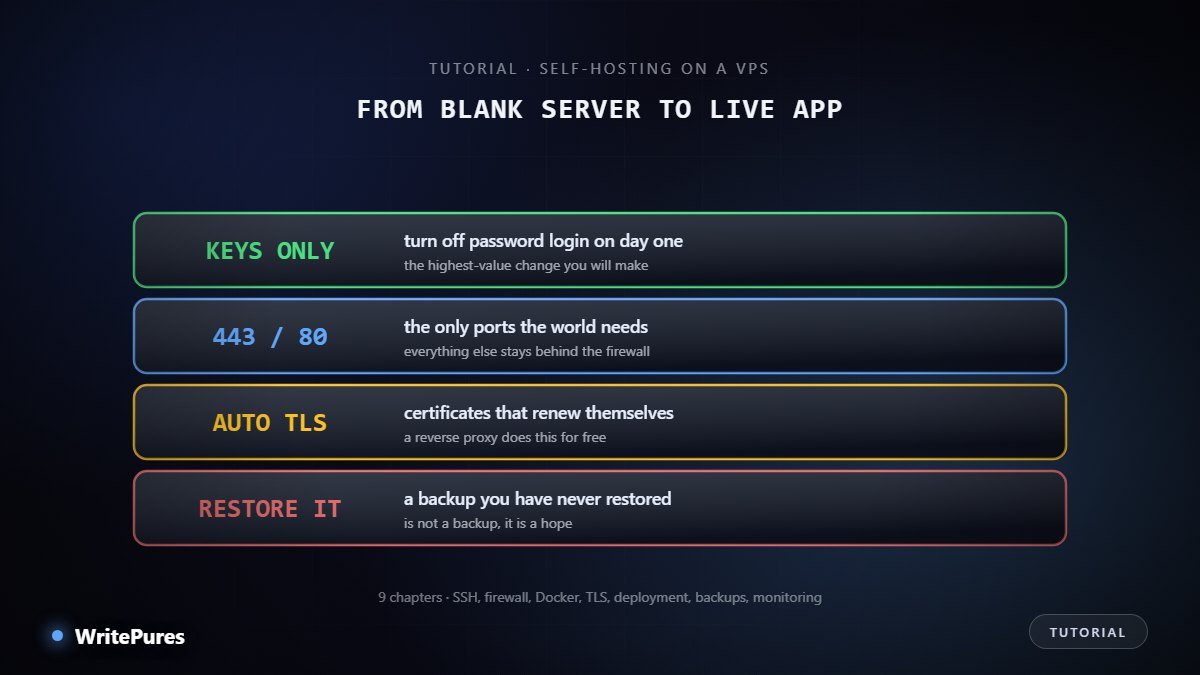
Core VPS setup principles including key-only SSH, minimal open ports and tested backups

A virtual private server is a Linux machine you rent by the month. For a few dollars you get root access to something that runs continuously, with a fixed IP address and no one else's rules about what you may install.

That is the appeal and the catch. Nobody patches it, nobody configures the firewall, and nobody notices when it is compromised. A server exposed to the internet with password authentication starts receiving login attempts within minutes of getting an address — not eventually, within minutes.

This tutorial takes a blank Ubuntu server and makes it something you can responsibly run real work on. The order is deliberate: security before software, because the gap between the two is when servers get taken.

What you need

  • A VPS running Ubuntu LTS from any provider. Entry-level is fine — 1 GB of RAM is enough to follow along.
  • A terminal on your own machine.
  • A domain name, for the HTTPS chapter. Not needed before that.

What you will have at the end

A hardened server, key-only SSH, a firewall with two ports open, Docker installed, an application running behind automatic HTTPS, backups that you have proven restore, and basic monitoring telling you when something is wrong.

Chapters

Start with chapter 1 →

Frequently asked questions

Entry-level servers from mainstream providers start around $4–6 a month for roughly 1 vCPU, 1 GB RAM and 25 GB of disk, which runs a small site comfortably. $10–12 gets you 2 GB and room for several applications. Pay monthly until you are sure; annual discounts are not worth locking into a provider you have not used.

It is less secure by default and can be more secure once configured, because you control the whole stack. The difference is that nobody patches it for you. If you will not apply updates, managed hosting is genuinely the better choice — an unpatched server you own is worse than a managed one you do not.

Not beforehand. This tutorial gives every command. What you do need is willingness to read error messages rather than paste past them, because a server that half-works is harder to debug than one that does not start.

A website, an API, a database, a Git server, file sync, a password manager, monitoring, or the local AI setups from our other tutorials. One modest VPS comfortably runs several of these at once, which is the main economic argument for learning this.

Sources & references

  1. Ubuntu Server documentation
  2. Docker — install on Ubuntu
  3. Caddy — automatic HTTPS