
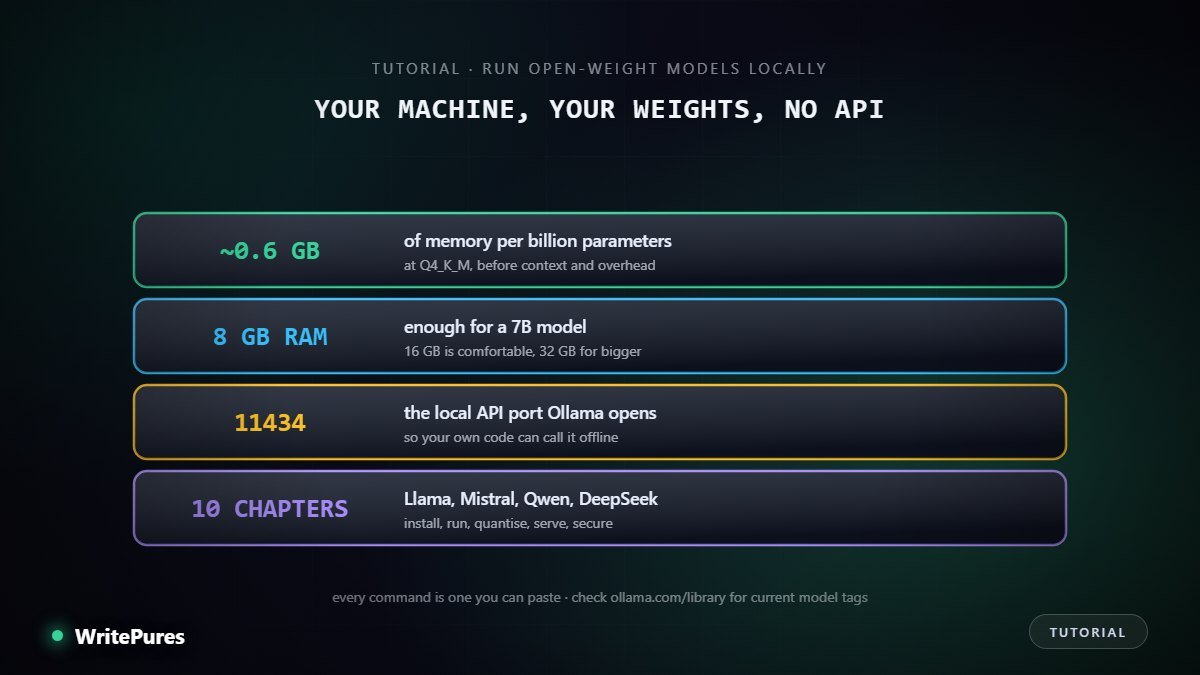
Open-weight models such as Llama, Mistral, Qwen and DeepSeek have already been downloaded onto private servers and laptops in numbers nobody can count. Whatever happens to the companies that released them, those copies keep working. No vendor can switch them off, no government can recall them, and no price change can reach them.
That is the practical argument for learning this. A model running on your own hardware costs nothing per token, works without a connection, and never sends a word of your data to anyone else. For legal work, medical notes, client records, exam scripts or anything you simply would rather not upload, that last point is the whole game.
This tutorial takes you from an empty machine to a working local model you can use from a chat window and from your own code. It assumes no prior experience with AI tooling. It does assume you can open a terminal and paste a command.
What you will end up with
- A local runtime installed and verified.
- Llama, Mistral, Qwen and DeepSeek downloaded and running.
- An understanding of which model size your hardware can actually take.
- A local HTTP API your own applications can call.
- A clear view of the licensing and security limits, which are real.
Before you start
You need about 10 GB of free disk space for a first model, more if you collect several. You need a terminal. You do not need a GPU — chapter two explains what changes if you have one.
One honest warning before you begin: model tags and version numbers change faster than any written guide. Every command below is current at the time of writing, and the right habit is to check ollama.com/library for the exact tag before pulling a model, rather than trusting a tag copied from a blog post months later.