

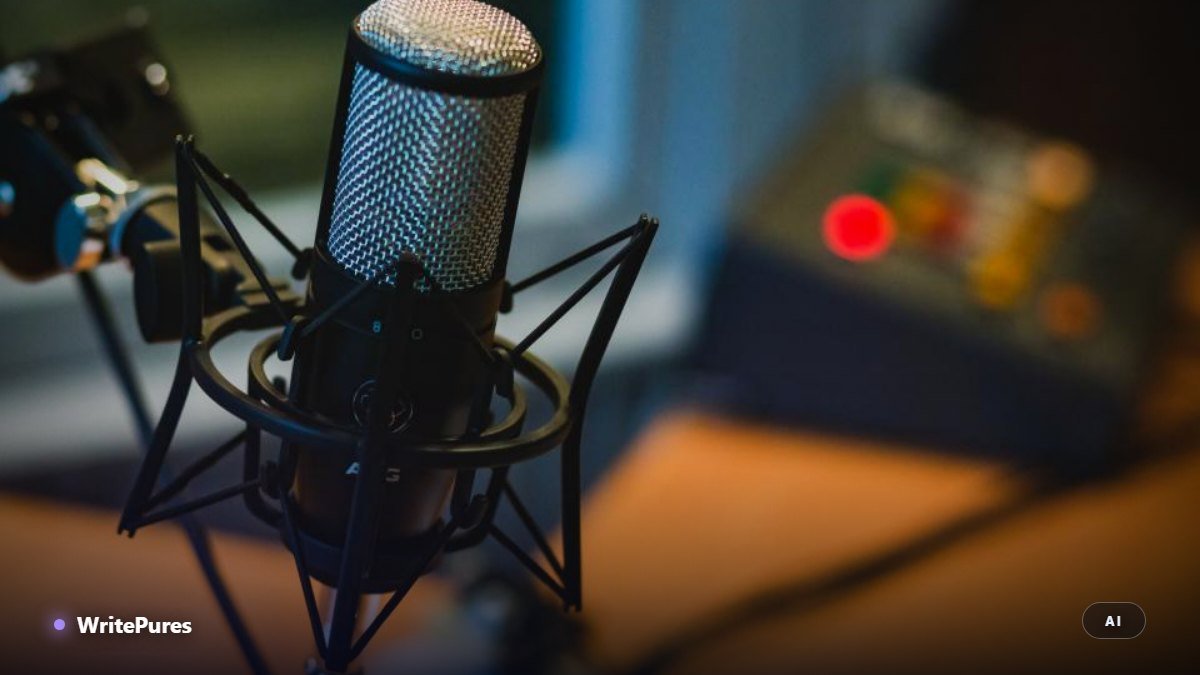
Transcription is the easiest argument for running AI on your own hardware. The output is useful, the models are small enough for an ordinary laptop, and the input is frequently something you would rather not upload at all — an interview, a client call, a medical appointment, a legal matter. Here is what actually works, and the one limitation that catches most people out.
Pick a size, then an implementation
Whisper ships in several sizes, and they trade accuracy against speed and memory. Approximate figures:
| Model | Parameters | Memory | Use it when |
|---|---|---|---|
| tiny | ~39M | ~1 GB | Testing the pipeline works |
| base | ~74M | ~1 GB | Clear single-speaker English, speed first |
| small | ~244M | ~2 GB | Sensible default |
| medium | ~769M | ~5 GB | Accents, some background noise |
| large | ~1.5B | ~10 GB | Accuracy matters more than time |
Then choose how you run it:
- whisper.cpp — a C++ port built for CPU. The right choice without a graphics card, and the easiest to get going.
- faster-whisper — a reimplementation that is substantially quicker than the reference code at the same accuracy, with GPU support.
- The original Python implementation — the reference, and the slowest. Fine for occasional use.
All read the same model weights, so switching later costs only the time to install.
What accuracy actually looks like
Clean, close-miked English from a single speaker transcribes very well even at small. Accuracy falls off in a predictable order as conditions degrade:
- Background noise — cafés, traffic, air conditioning.
- Overlapping speech — people talking across each other.
- Distance from the microphone — a phone on a table in a meeting is the hard case.
- Strong accents and code-switching — including the English-Urdu mixing that is normal in Pakistani conversation, where larger models help considerably.
- Specialist vocabulary — names, drugs, legal terms, product names.
The single highest-value improvement is not a bigger model. It is a better recording: get the microphone closer to the speaker and most of the difficulty disappears.
The limitation to know before you start
Whisper does not separate speakers. It returns text and timestamps, not "Speaker A" and "Speaker B". An interview comes back as one continuous block, which for a two-person conversation is considerably less useful than people expect.
Speaker diarisation requires a separate model layered on top. It is solvable, and it is extra work that no amount of choosing a larger Whisper model will do for you.
Getting started
# whisper.cpp — CPU, no graphics card needed
git clone https://github.com/ggml-org/whisper.cpp
cd whisper.cpp && make
sh ./models/download-ggml-model.sh small

# transcribe, with subtitle output
./main -m models/ggml-small.bin -f interview.wav -osrt
Convert your audio to 16 kHz mono WAV first; most implementations expect it, and a mismatch is the most common early error.
What it is good for
- Interviews and research. Transcribe once, then search the text instead of scrubbing audio.
- Meeting notes. Pair it with a local language model to pull out action items — our guide to local AI models covers that side.
- Subtitles. SRT and VTT output is built in.
- Lecture notes. Particularly for students working in a second language.
- Anything confidential. The recording never leaves the machine, which is the whole point for medical, legal and journalistic work.
Where it fits with everything else
Whisper is unusually forgiving on hardware compared with text generation — the small model runs comfortably where a 7B language model would struggle, so it is a good first local AI project. If you want to go further, our guide to running a local LLM without a GPU covers the text side on the same kind of machine, and the ten-chapter tutorial covers the full setup.
Written by the WritePures newsroom. Spotted something that needs updating? Tell our editors.

0 Comments
Join the conversation
Replying toNo comments yet. Be the first to share your thoughts.