
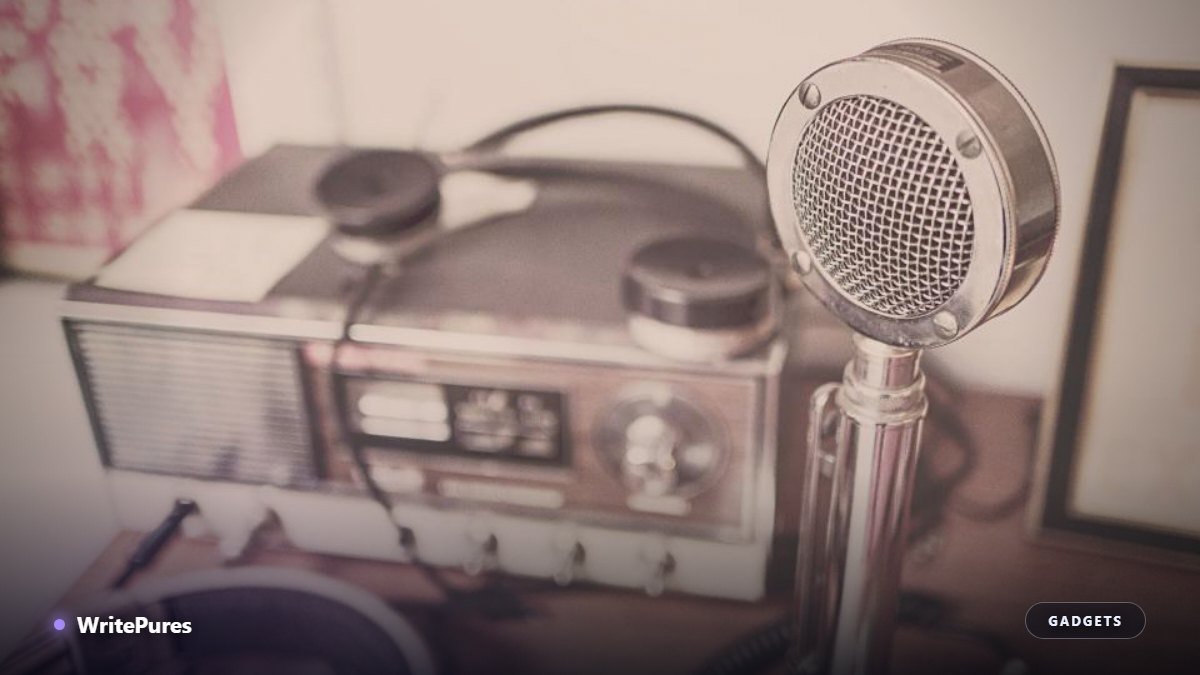
Most people fixing their call setup buy a camera. Then they still sound like they are in a car park, because the thing that was wrong was never the picture. Audio carries the meaning, and the cheapest changes to it outperform almost anything you can buy.
Fix the audio first
Distance beats price
The single biggest factor in how you sound is how far the microphone is from your mouth. A microphone close to you captures mostly you. One across the desk captures you plus the room — reflections off walls, a fan, traffic, the neighbour's generator.
This is why a cheap headset frequently sounds better on a call than an expensive desk microphone used badly. You cannot buy your way past the physics.
What to use, in order of practicality
- A wired headset. Unglamorous and consistently good. Microphone near your mouth, no echo because the sound is in your ears rather than coming out of a speaker.
- Earbuds with an inline mic. Fine. Better than a laptop microphone.
- A USB microphone on a boom arm, positioned close. Sounds best when you actually keep it near you.
- Laptop built-in. The worst option: far away, pointed at the ceiling, next to a fan.
The room matters more than the equipment
Hard surfaces reflect sound and that is what makes a room sound hollow. Soft things absorb it. A rug, curtains, a bookshelf or even sitting in a room with a sofa in it does more for your audio than upgrading a microphone. No treatment required, just furniture.
Also: use headphones. Most echo on calls is one person's speakers feeding back into their own microphone, and the person causing it cannot hear it. Our guide to choosing headphones covers the wider picture.
Then the video
Lighting beats resolution
Every webcam looks acceptable with good light and poor without it. Two rules cover most of it:
- Light in front of you, not behind. A window behind you turns you into a silhouette, and no camera setting fixes it. Face the window, or put a lamp behind the screen pointing at you.
- Diffuse rather than direct. A bare bulb produces hard shadows. Bounced or shaded light is kinder.
Camera height
A laptop camera on a desk looks up your nose. Raise the laptop so the camera is near eye level — books work — and use an external keyboard. This costs nothing and makes more difference than most purchases.
Specifications worth caring about
1080p is enough; platforms compress below it anyway. Autofocus and decent low-light performance matter more than the headline number. 4K is mostly wasted on calls.
The connection
Check your upload speed, not download. An HD call wants roughly 1.5–3 Mbps up and steady matters more than fast — a connection that fluctuates produces the freezing and robot audio people blame on the software.
Wired Ethernet beats Wi-Fi for calls if you can manage it. Our guide to testing your internet speed covers measuring it properly, and fibre options in Pakistan covers the providers.
If you are working with overseas clients
Two failures read as unprofessional in a way that has nothing to do with your work, and both are solvable in advance:
- Dropping mid-call from a power cut. Covered in UPS, inverter or solar for a home office — and remember to put the router and ONT on the backup, not just the computer.
- A connection that cannot hold a call. Have a mobile hotspot as a fallback and know how to switch to it quickly.
Our guide to getting a remote developer job from Pakistan covers the wider picture, where reliability is genuinely part of the job.
The cheap version that works
- Wear a wired headset.
- Put a lamp behind your screen, pointing at you.
- Raise the laptop to eye level.
- Sit in a room with soft furnishings.
- Use Ethernet if you can.
That list costs almost nothing and puts you ahead of most people on most calls. Buy equipment afterwards, if something specific is still wrong.
Written by the WritePures newsroom. Spotted something that needs updating? Tell our editors.
0 Comments
Join the conversation
Replying toNo comments yet. Be the first to share your thoughts.