
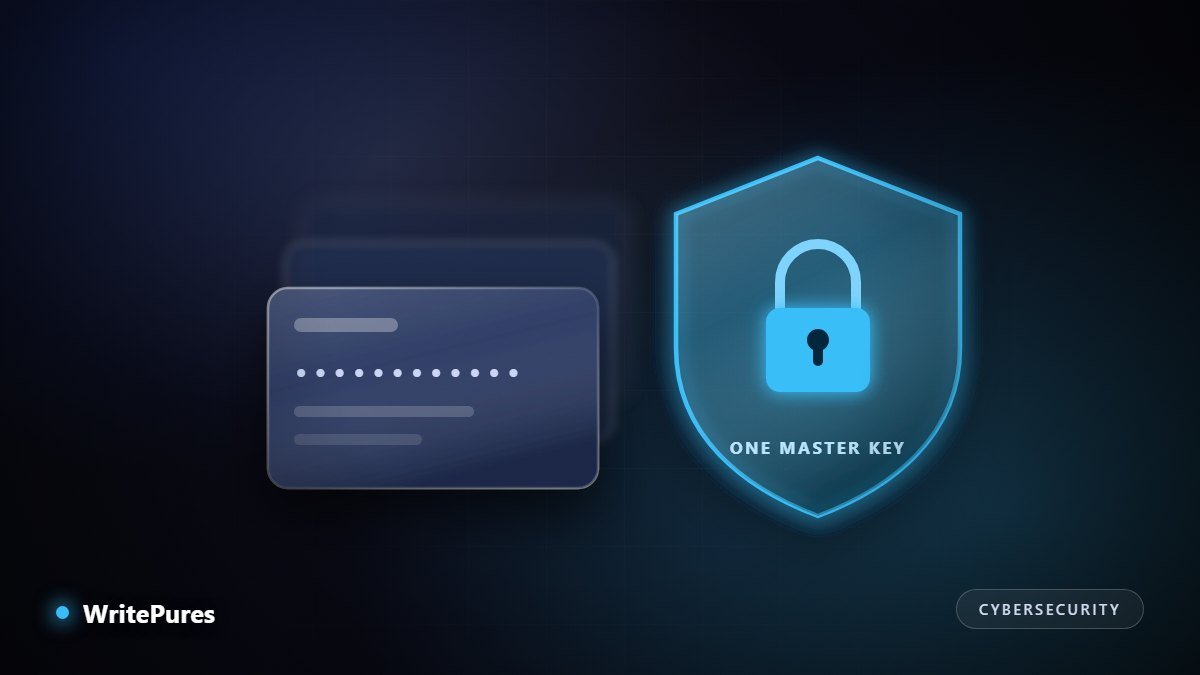
Password reuse is the single most exploited weakness in personal security. One breached website hands attackers a working username and password for every other account where the same pair was used. A password manager exists to make that attack impossible.
What a Password Manager Actually Does
At its core it performs three jobs, and the third is the one people underestimate.
- Generates long random passwords, so every account has a different one.
- Stores them in an encrypted vault unlocked by a single master password.
- Fills them automatically on the correct site — which is quietly an anti-phishing control, because a manager matches on the real domain and will not offer your bank credentials to a lookalike address. Your eyes can be fooled by a convincing copy; the domain match cannot.
Zero-Knowledge, Explained Properly
The phrase appears in every vendor's marketing and is worth understanding, because it determines what a breach of the provider would mean for you.
In a zero-knowledge design, encryption and decryption happen on your device. Your master password is never sent to the provider. It is put through a deliberately slow key-derivation function to produce an encryption key, and only the encrypted blob travels to the server. The provider stores data it cannot read.
Two consequences follow directly. A server breach yields encrypted vaults rather than passwords — although weak master passwords can then be attacked offline, without rate limits, which is precisely why master password strength matters so much. And nobody can reset your master password for you, because there is nothing on the server to reset it against.
Choosing a master password
Length beats complexity. A passphrase of four or five unrelated words is both stronger and far easier to remember than a short string of substituted characters. Three rules: make it long, never use it anywhere else, and make sure you can recall it without a hint — because there is no reset.
Comparing the Options
| Type | Strengths | Trade-offs |
|---|---|---|
| Cloud-based dedicated manager | Syncs everywhere, sharing, breach alerts, recovery options | You trust the provider's engineering; subscription cost |
| Local / self-hosted vault | No third-party server holds your data; free | You handle sync and backups; mistakes are yours to absorb |
| Browser built-in | Free, zero setup, good autofill | Ecosystem-bound, fewer features, weaker sharing |
| Device keychain (Apple/Google) | Deeply integrated, strong device security | Painful outside that ecosystem |
What to look for
- Independent security audits, published, recent, and ideally repeated annually.
- Two-factor authentication on the vault itself, not just on the website.
- A documented recovery mechanism you can set up before you need it.
- Export in a standard format. If you cannot get your data out, you are locked in — test this before committing.
- Honest breach history. A provider that disclosed an incident promptly and explained it clearly is a better bet than one with no public record at all.
- Passkey support, since credentials are moving in that direction — see our guide to passkeys and why banks are dropping OTPs.
Setting It Up Without Giving Up Halfway
The usual failure is trying to migrate two hundred accounts in one sitting, losing patience, and reverting. Do it gradually instead.
- Install it everywhere first — phone, laptop, browser — so it is always available when needed.
- Set up recovery immediately. Print the emergency kit and store it physically, somewhere a flood or fire would not take both it and your devices.
- Change the critical accounts first: email, then banking, then anything holding payment details. Email is first because it resets everything else.
- Let the rest migrate naturally. Each time you log in to something, change that password and save it. Within weeks most of your accounts are done.
- Run the built-in audit to find reused and breached passwords, and fix the worst offenders.
- Turn on two-factor for the vault and for every important account.
Where Password Managers Do Not Help
Being clear about the limits is part of using one well. A manager does not protect you if malware is already recording your keystrokes on an unlocked device, nor against an attacker who has your unlocked phone and your vault open. It does not stop you approving a fraudulent push notification. And it cannot protect an account whose recovery path — an old email address, a phone number you no longer control — is the weak link. The broader principle, that no session should be trusted simply because it was trusted before, is covered in our zero trust guide.
Key Takeaways
- The problem being solved is reuse: one breached site compromising every account.
- Zero-knowledge means the provider cannot read your vault — and cannot recover it either.
- Master password length matters more than symbols; set up recovery on day one.
- Autofill by domain is a genuine anti-phishing control, not a convenience feature.
- Migrate gradually, starting with email, or you will give up.
Written by the WritePures newsroom. Spotted something that needs updating? Tell our editors.


0 Comments
Join the conversation
Replying toNo comments yet. Be the first to share your thoughts.