
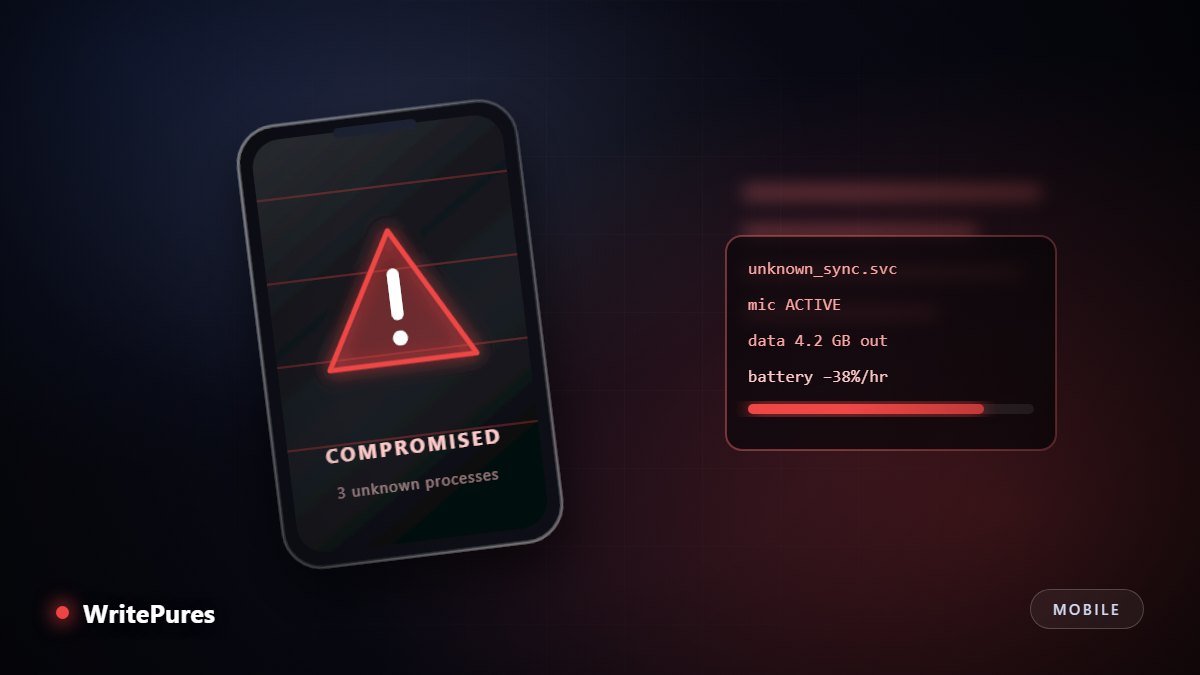
Phones behave strangely for mundane reasons far more often than malicious ones. The useful skill is separating the symptoms that genuinely indicate compromise from the ones that simply indicate a two-year-old battery — and knowing exactly what to do when it is the former.
Symptoms That Actually Matter
Take these seriously, particularly when more than one appears at the same time.
- Apps you did not install. Especially ones with generic names and no icon in the launcher. Check the full application list in settings, not just the home screen.
- Password reset emails you did not request. Someone is working through your accounts. This is one of the clearest signals there is.
- Messages in your sent folder you did not write. Malware and account takeovers both spread through contact lists.
- Large unexplained mobile data use attributed to an app that has no reason to transmit anything.
- Settings changing back after you alter them, or a device administrator or accessibility service you did not enable.
- Two-factor codes arriving unprompted. Someone is actively trying to get into an account of yours at that moment.
- The phone not shutting down or restarting on its own repeatedly.
Symptoms that usually mean something else
These generate most false alarms:
- Fast battery drain or a warm phone. Ageing cells, a bad app update, or poor signal — see our guide to phone battery life for the real causes.
- Occasional slowness or app crashes. Storage pressure and OS updates explain nearly all of it.
- Adverts on websites that seem to know you. That is ordinary ad tracking, not device access.
- A single pop-up claiming you are infected. That pop-up is the scam; nothing has happened to your phone.
A Fifteen-Minute Check
Work through these in order. Each takes a minute or two and most people find nothing — which is itself a useful result.
- Review every installed app. Settings → Apps. Look for anything you cannot account for, then search the exact name before removing it.
- Audit permissions by category. Check which apps hold microphone, camera, location, SMS and accessibility access. Accessibility is the one attackers abuse most, because it can read the screen and act on your behalf.
- Check device administrators (Android) or configuration profiles and VPN entries (iOS). An unexplained profile is a serious finding.
- Review mobile data by app for anything transmitting far more than its function requires.
- Check active sessions on your accounts — Google, Apple, Meta, your bank — and sign out anything you do not recognise.
- Look at linked devices in your messaging apps. This is the most common and most overlooked foothold.
- Confirm the OS is current. Most real-world compromise exploits patched flaws on unpatched phones.
If It Is Compromised: Clean Up in the Right Order
Sequence matters here. Changing passwords while the attacker still controls the device simply hands them the new ones.
- Disconnect. Turn off Wi-Fi and mobile data to stop ongoing exfiltration.
- Secure your accounts from a different, trusted device. Change passwords for email first — it is the reset path for everything else — then financial accounts, then social.
- Revoke sessions and app passwords everywhere, so existing logins are terminated rather than left alive.
- Check recovery settings on each account. Attackers frequently add their own recovery email or phone number, which lets them return later even after a password change. This step is skipped constantly and it is the reason people get re-compromised.
- Back up only your personal files — photos and documents — not applications or system settings.
- Factory reset the phone and set it up as new. Do not restore an application backup from after the compromise.
- Reinstall apps by hand from the official store, granting permissions one at a time.
- Tell your contacts if messages were sent from your accounts, so nobody acts on a fraudulent request.
Reducing the Odds Next Time
Most consumer compromise happens through a small number of routes, and closing them is straightforward:
| Control | What it prevents |
|---|---|
| Automatic OS updates | Exploitation of flaws already fixed by the vendor |
| Official app stores only | Trojanised apps, the main Android infection route |
| Quarterly permission audit | Apps quietly holding access they no longer need |
| A strong unique lock screen code | Compromise by someone with brief physical access |
| Two-factor on email first | The account that can reset every other account |
| A password manager | Credential reuse turning one breach into many |
If a stolen account rather than a stolen phone is the concern, our account recovery guide covers that scenario in detail.
Key Takeaways
- Unknown apps, unrequested reset emails and messages you did not send are real signals; battery drain alone is not.
- Audit accessibility permissions and linked devices — both are commonly abused and rarely checked.
- Secure accounts from a clean device before resetting the phone.
- Always check for attacker-added recovery addresses, or they will simply come back.
- Set up as new rather than restoring a backup taken after the compromise.
Written by the WritePures newsroom. Spotted something that needs updating? Tell our editors.





0 Comments
Join the conversation
Replying toNo comments yet. Be the first to share your thoughts.