

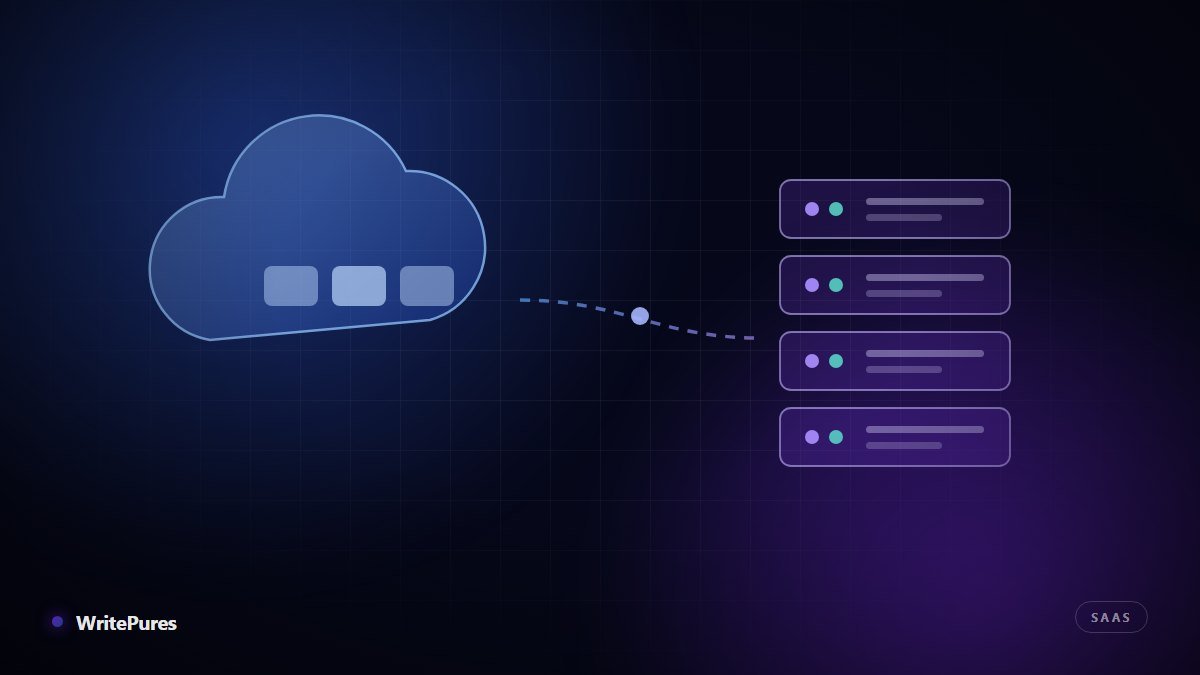
Choosing between cloud ERP vs on-premise ERP is one of the most expensive decisions a growing company makes, and it is routinely argued on the wrong axis. Licence cost is the easiest number to compare and the least predictive of whether the project succeeds. The questions that matter are about control, change and the cost of being wrong.
The two models, briefly
On-premise ERP runs on servers you own or rent, inside infrastructure you control. You buy a licence, you install it, and your team or your vendor keeps it alive.
Cloud ERP is delivered as a subscription service. The vendor hosts it, patches it, backs it up and upgrades it. You consume it through a browser and pay per user or per module, usually annually.
A third option, hosted or "lift and shift", runs traditional ERP software on rented cloud infrastructure. It gives you cloud hardware economics while keeping on-premise software responsibilities — a reasonable middle step, but it is not the same as true multi-tenant cloud ERP.
Head-to-head comparison
| Factor | Cloud ERP | On-premise ERP |
|---|---|---|
| Cost shape | Operating expense, predictable, ongoing | Capital expense up front, lower running cost later |
| Time to go live | Weeks to months | Months to over a year |
| Customisation | Configuration and APIs; deep changes constrained | Effectively unlimited, at a maintenance cost |
| Upgrades | Automatic, on the vendor's schedule | You choose when — and you carry the work |
| Internal IT burden | Low | Significant and permanent |
| Data location | Vendor regions; verify before signing | Entirely under your control |
| Works offline | No — connectivity is critical | Yes, on the local network |
| Exit difficulty | Depends on export tooling in the contract | You already hold the database |
The four questions that actually decide it
1. How unusual are your processes?
If your operation runs on genuinely distinctive workflows that are a competitive advantage, cloud ERP's configuration limits will chafe. If your processes are fairly standard and the real goal is to stop running the business on spreadsheets, cloud ERP's constraints are a feature — they stop you rebuilding your current mess inside expensive new software.
2. Who will keep it running in year three?
On-premise ERP needs database administration, patching, backups, disaster recovery and someone who understands the integrations. Many mid-sized companies choose on-premise for control, then quietly discover they have no one to exercise that control. If you cannot name the person responsible in three years' time, that is a strong argument for cloud.
3. What are your data residency and compliance obligations?
Some sectors — finance, health, public-sector contracts — carry explicit requirements about where records are stored and who may access them. Cloud ERP is not automatically disqualified, but you need the vendor's hosting regions and sub-processor list in writing before signing, not after.
4. How connected are your sites?
A factory floor or warehouse that must keep processing when the internet drops needs either on-premise systems or a cloud product with genuine offline capability. Test this against your worst connectivity, not your head-office connectivity.
The cheapest ERP is the one your staff actually use. A perfectly architected system that the warehouse team works around on paper has failed, whatever it cost.
Comparing cost honestly
Compare over five to seven years, not one, and include on both sides: implementation and data migration, integrations with the systems you are keeping, training, support, and the internal staff time the project consumes. For on-premise, add hardware refresh, database licences, backup infrastructure and upgrade projects. For cloud, model subscription growth as headcount rises, and check contractual price-increase caps.
Run the comparison at your expected size in year five, not your size today. Per-user pricing behaves very differently once headcount doubles.
A decision shortcut
- Lean cloud if you are under roughly 200 staff, have no dedicated infrastructure team, want to be live this year, and your processes are broadly standard.
- Lean on-premise if you have hard data-residency obligations, deeply customised workflows that differentiate you, existing infrastructure capability, and sites that must operate through outages.
- Consider hosted/hybrid if you need on-premise software behaviour but want to stop buying and refreshing physical servers.
Whichever you choose, implementation decides the outcome
ERP projects rarely fail on hosting model. They fail on unclear scope, dirty data migrated without cleaning, insufficient training and no internal owner with authority. Clean your master data before migration, run a parallel period before switching off the old system, and appoint someone whose job it is to make the project succeed.
We cover the execution detail in our step-by-step manufacturing ERP implementation guide, and the sector-specific selection criteria in choosing an ERP system for a private school.
Key takeaways
- Compare total cost over five to seven years, including migration, training and internal staff time
- Cloud ERP's configuration limits are a drawback only if your processes are genuinely distinctive
- Name the person who will maintain an on-premise system in year three before committing to one
- Get hosting regions and sub-processors in writing where compliance obligations apply
- Implementation discipline predicts success far more reliably than hosting model
Written by the WritePures newsroom. Spotted something that needs updating? Tell our editors.






0 Comments
Join the conversation
Replying toNo comments yet. Be the first to share your thoughts.